 11
11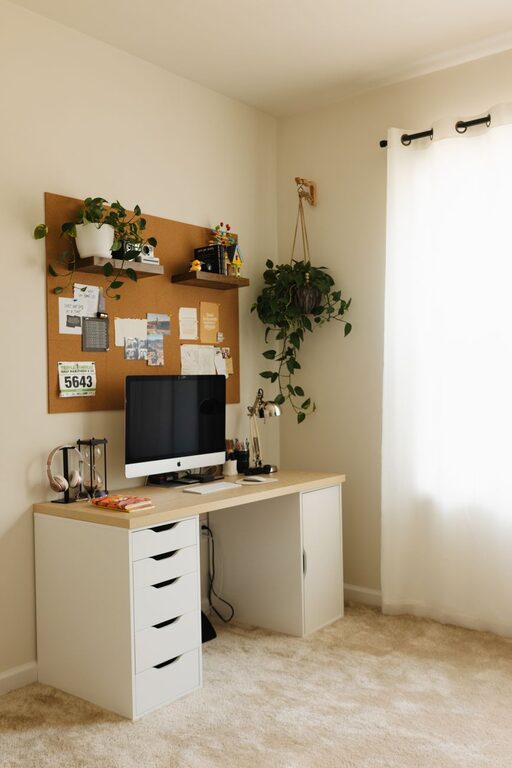
Creating a home office that feels both cozy and organized can significantly improve your work experience. Whether you work from home full-time or just need a dedicated space for occasional tasks, having a comfortable and clutter-free environment helps you stay focused and reduces stress. In this post, we’ll explore practical tips to design a home office that balances warmth and efficiency.
Choosing the best spot in your home is the foundation for a successful home office. Ideally, look for a quiet area with minimal distractions. Natural light is a huge plus—it keeps the space bright and can boost mood and energy throughout the day.
If space is limited, even a corner of a room or a nook can be transformed into a productive workspace. Just make sure it feels separate enough from daily household activities to help you stay focused.
A cozy home office begins with furniture that supports your health and comfort:
– Ergonomic chair: Look for adjustable features, lumbar support, and good cushioning to prevent back pain.
– Desk size: Choose a desk big enough for your computer, writing materials, and any other essentials but not so large that it wastes space.
– Storage solutions: Consider desks with built-in drawers or add shelves and filing cabinets for extra organization.
Comfortable furniture encourages longer focus sessions without strain, while appropriate storage keeps your tools within reach, saving time.
Clutter can distract and weigh you down, so it’s important to create an organizational system tailored to your needs:
Start by getting rid of unnecessary items. Keep only what you use daily or weekly. Regularly scan your space to remove chaos before it builds up.
– Drawers and bins: Sort supplies by type—pens, papers, cables—in labeled containers or drawer dividers.
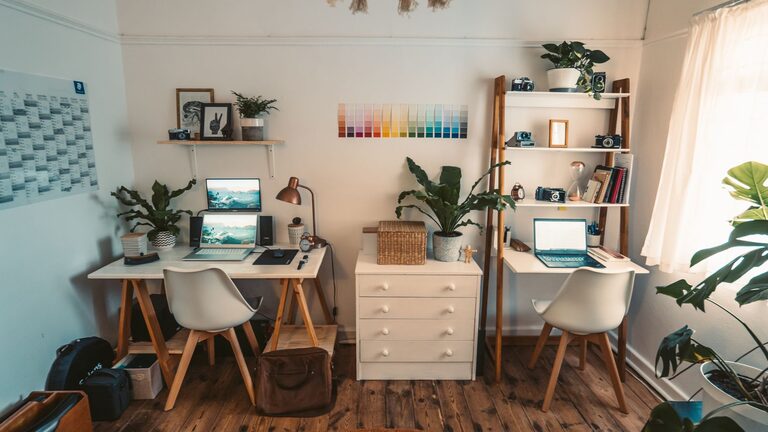
– Shelving: Utilize vertical space for books, décor, or reference materials.
– Cable management: Use clips, tubes, or boxes to keep wires tangle-free and out of sight.
Designate areas for different tasks or tools. For example, keep your computer setup on the main desk, with a separate zone nearby for paperwork, note-taking, or creative projects.
To make your office inviting and inspire productivity, add touches that bring warmth and personality:
– Soft textiles: Include a comfy rug, throw blanket, or cushioned chair pad.
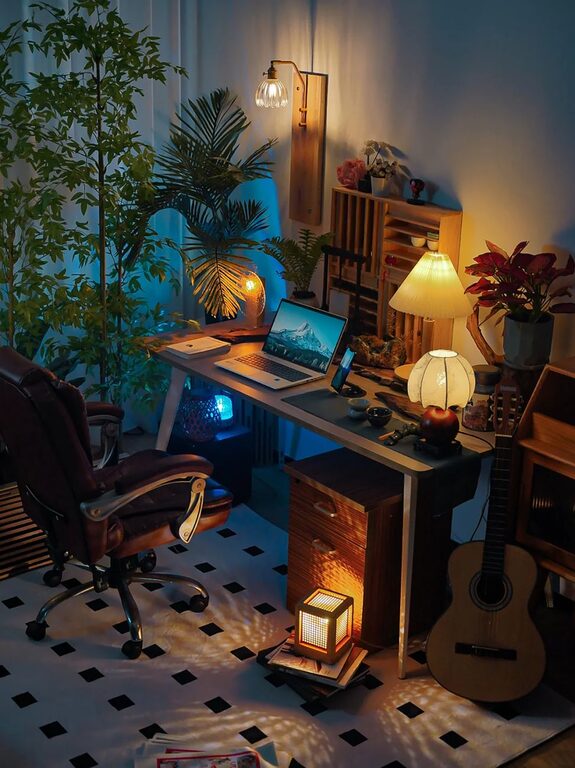
– Lighting: Layer your lighting with a mix of natural light, task lighting (desk lamps), and ambient lighting (soft overhead lights or string lights).
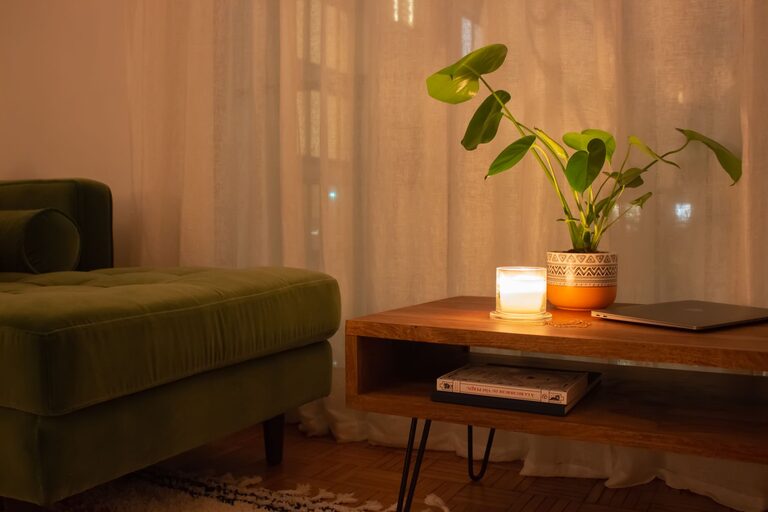
– Plants: Adding greenery improves air quality and makes the space feel alive and welcoming.
– Personal décor: Display artwork, photos, or motivational quotes, but don’t overcrowd the space.
Keep your technology organized and up to date for smooth workflow:
– Use wireless devices when possible to reduce cable clutter.
– Invest in a good-quality headset or speakers if you attend calls.
– Keep chargers and peripherals in designated spots to avoid losing them.
– Consider a second monitor if your work benefits from extra screen space.
Finally, a well-organized office requires ongoing care:
– End each day by tidying your desktop and filing papers.
– Keep cleaning supplies handy for quick dusting or wiping surfaces.
– Review your office setup periodically and adjust as your work habits change.
Designing a cozy and organized home office is about balancing comfort and functionality. Start with the right location and furniture, implement strong organization systems, and personalize the space with cozy accents. Regular upkeep will keep your workspace inviting and productive. With these tips, you can create a home office that supports your best work every day.